
Health Units M14 FIRST LEGO League 2020-2021 RePLAY Challenge
The robot collects health units from around the field and moves them to target areas.
- #1673
- 31 Aug 2020
The robot collects health units from around the field and moves them to target areas.

Before the match, you hand select the machine’s lever setting. During the match, the robot moves the lever until the little yellow stopper falls.

The robot moves the free wheel out of the large circle and into the small target circle.

The robot spins the rollers to move the pointer as far clockwise as possible.
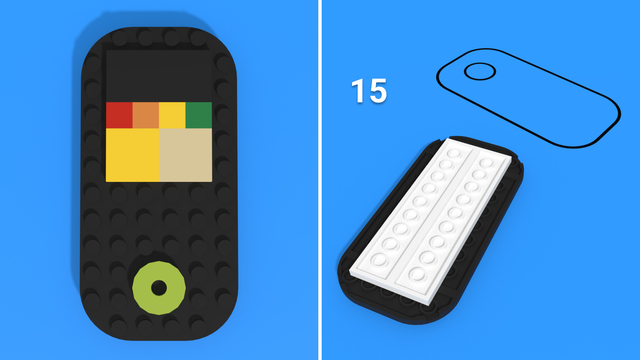
The robot flips the cell phone white side up.
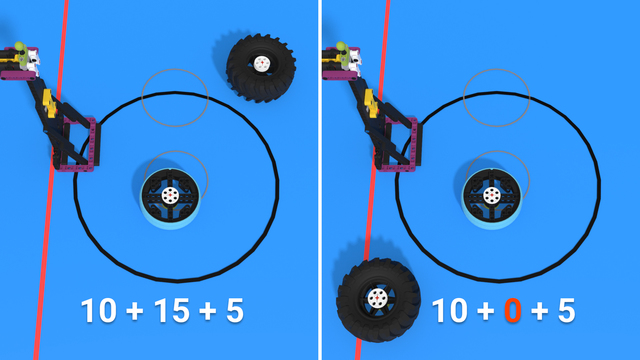
The robot flips tires so their white centers face up and moves them into their large target circle.

Boccia is an interactive mission with the opposing team. Talk with the other team so the robots send matching colored cubes onto the opposite field.

The robot is dancing on the dance floor at the end of the match.
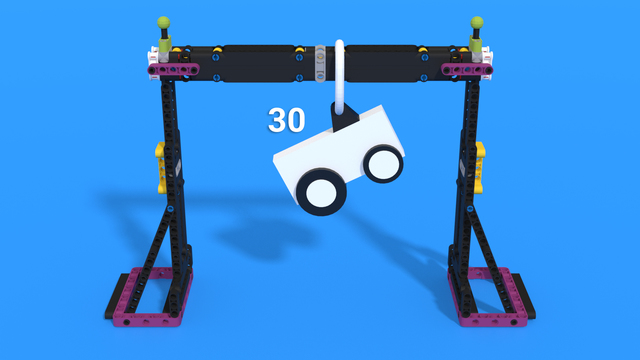
The robot passes completely under the bar any time. Separately, it is held off the mat by the bar at the end of the match.

The robot raises the crate up the post and gets a cube into it.

The robot removes the backrest, flattens the bench, and gets cubes into the hopscotch spaces.

The robot slides the people (called “slide figures”) down the slide and moves them to other areas.

The robot slides the step counter slow and steady. The farther the “walk,” the better.

Why is it very important to keep in touch with your existing clients during a crisis.
How to talk to them.
What emails to send.

When we work with any sort of program, we need to save our files regularly to our computers. Afterwards, if we want to work on an old file, we need to load it from the computer.
Now we will learn how to do that in Scratch.


The goal of this lesson is for students to have fun with a new robot.
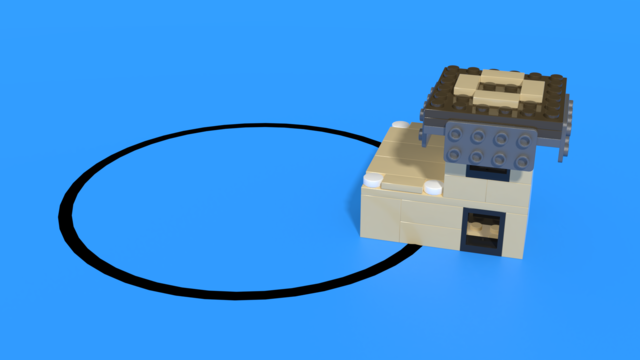

Only one counts per stack
If an Upgrade (solar panels, roof garden, insulation) is Independent, and Supported only by a Stack which is at least partly in any Circle:
(mission descriptions source https://www.first-lego-league.org/)
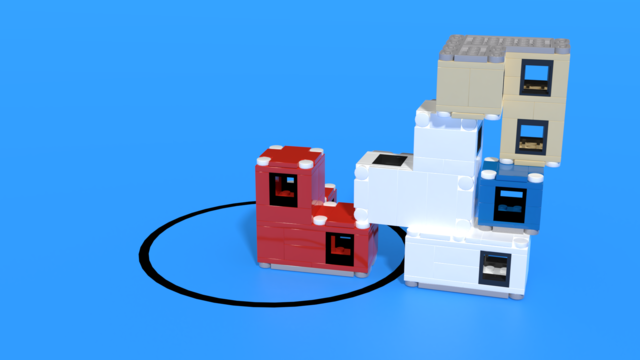
Bring the blocks to a specific place on the field in a specific way


score one or the other
If there is a team-designed Structure clearly bigger than a Blue Building Unit, built only from your white LEGO bricks
Note: Design and build your own Structure before you compete, then bring that to each Match. You don’t build it during the Match.
Note: Your mission 11 Structure needs to be built from Bag 10 elements only. It can include the red and gray elements. Not all of the Bag 10 elements need to be used.
(mission descriptions source https://www.first-lego-league.org/)

If the Steel Structure is Standing, and is Independent, and Supported only by its hinges as shown


If the Test Building is Independent and Supported only by the blue beams, and some beams have been knocked out at least half way:
(mission descriptions source https://www.first-lego-league.org/)


Score one or the other
If the Elevator’s moving parts are Independent, and Supported only by its hinges as shown, in the following position:
(mission descriptions source https://www.first-lego-league.org/)
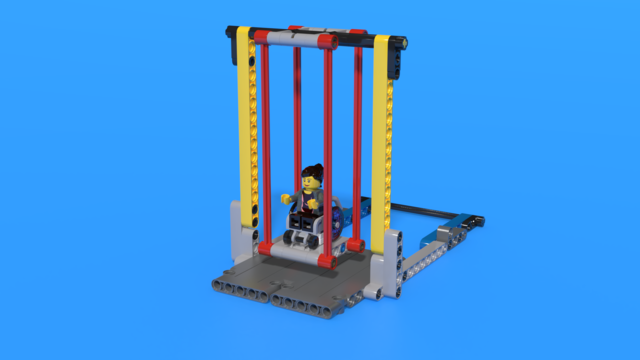

If the Swing is released: 20
(mission descriptions source https://www.first-lego-league.org/)


