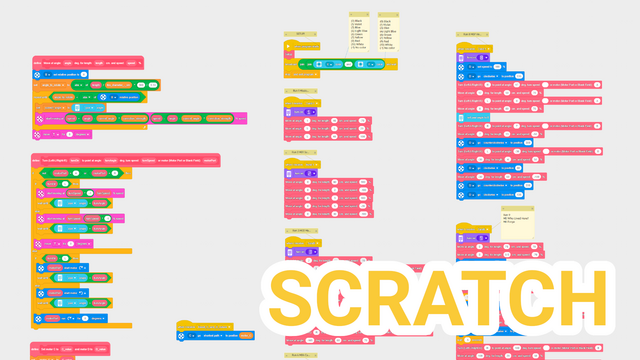

Fll 2025: Smaller Pancake Scratch Program Overview
In this tutorial, we explore the Scratch program used with the Smaller Pancake box robot for our solutions in the FIRST LEGO League 2025–2026 UNEARTHED competition.
- #2678
- 05 Aug 2026
In this tutorial, we explore the Scratch program used with the Smaller Pancake box robot for our solutions in the FIRST LEGO League 2025–2026 UNEARTHED competition.
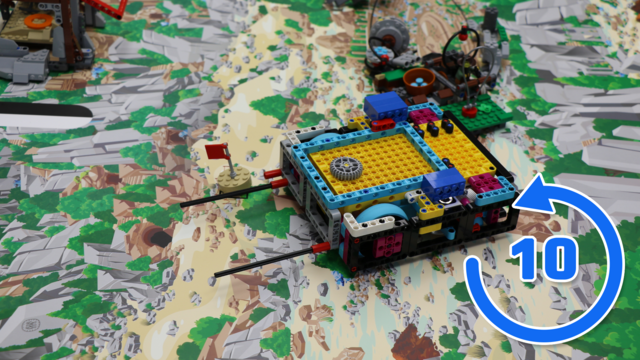
Short, direct, and almost identical every time. This 10 out of 10 tutorial from the FIRST LEGO League 2025-2026 UNEARTHED competition puts the Smaller Pancake box robot and the Site Marking attachment through ten flag deliveries for Mission 15.
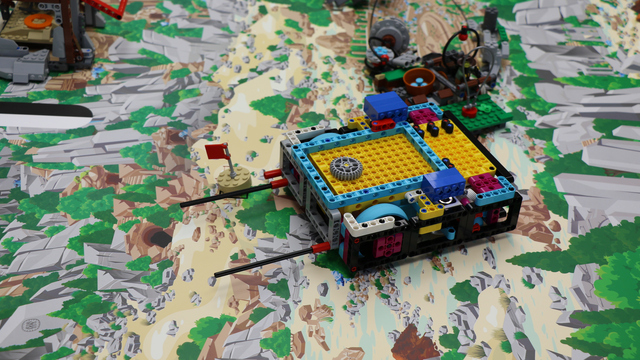
Sometimes the best final run is the one that does exactly one job. In this FLL 2025 UNEARTHED competition tutorial, the Smaller Pancake box robot uses the Site Marking attachment to carry the flag straight from base to its destination in under ten seconds.
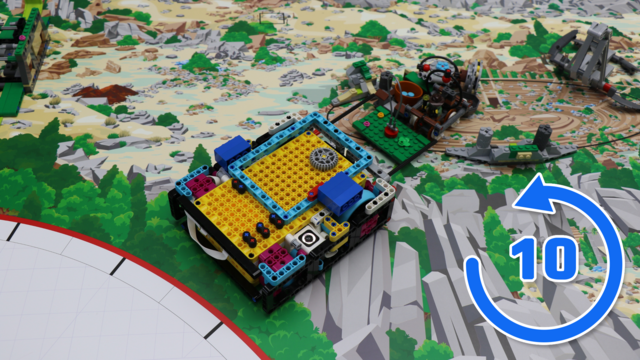
When the attachment is simple, preparation makes all the difference. In this 10 out of 10 tutorial for the FIRST LEGO League 2025–2026 UNEARTHED competition, the Smaller Pancake box robot and the Forum attachment deliver the collected artifacts to Mission 14: Forum across ten consecutive attempts.
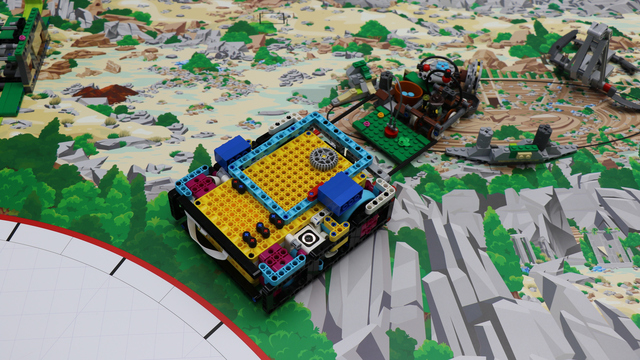
Sometimes the most effective solutions are also the most straightforward. In Mission 14: Forum from the FIRST LEGO League UNEARTHED season, the Smaller Pancake box robot uses a lightweight pinless attachment to deliver the collected artifacts safely into the scoring area.
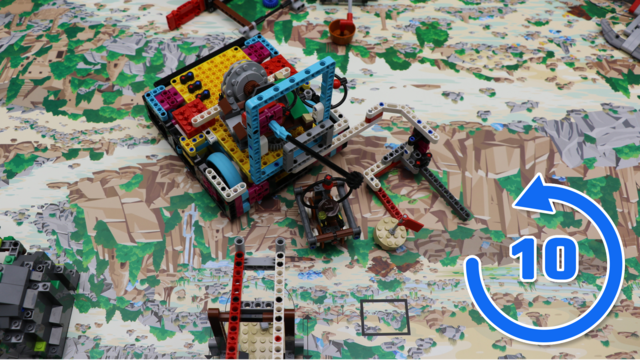
Long runs are an excellent test of consistency. In this ten-attempt tutorial from the FIRST LEGO League 2025–2026 UNEARTHED competition, we put the Smaller Pancake box robot and the M14 and M15 transport attachment through one of the longest runs on the field.
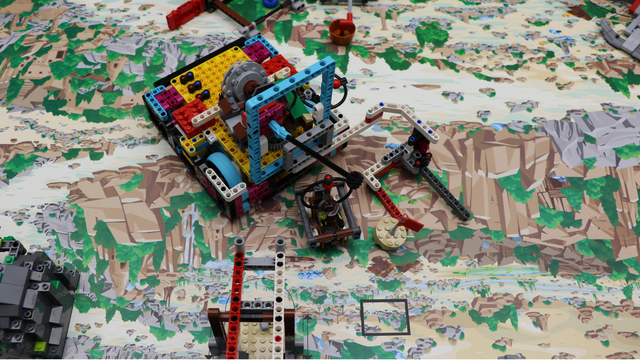
This run asks the robot to think several missions ahead. In the FLL 2025 UNEARTHED competition, the Smaller Pancake box robot crosses almost the entire field with a multi-purpose M14 and M15 attachment, places the Mission 15: Site Marking flag, collects the opposing team's minecart, and brings it with previously collected artifacts to the left base for Mission 14: Forum.
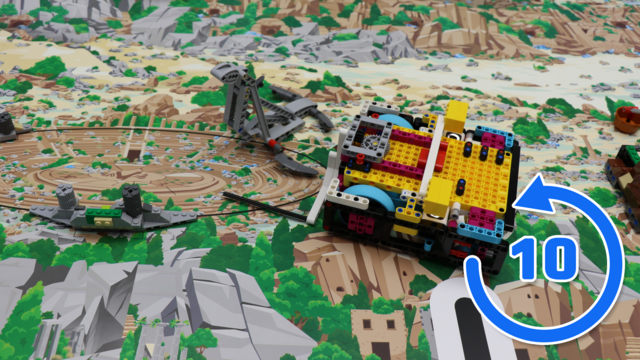
Even a simple lifting mechanism depends on a precise approach. In this 10 out of 10 analysis of Mission 13: Statue Rebuild from the FIRST LEGO League 2025–2026 UNEARTHED competition, we put the Smaller Pancake box robot and the Statue Rebuild attachment through ten consecutive attempts.
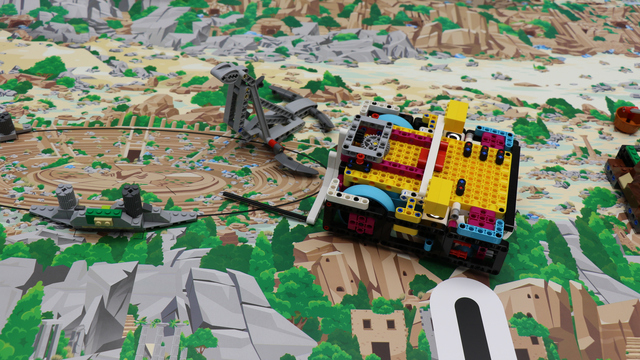
A small turn creates the clearance needed for a clean lift in Mission 13: Statue Rebuild. In this FIRST LEGO League 2025-2026 UNEARTHED competition tutorial, the Smaller Pancake box robot powers an active lifting attachment to raise the statue from the right base.
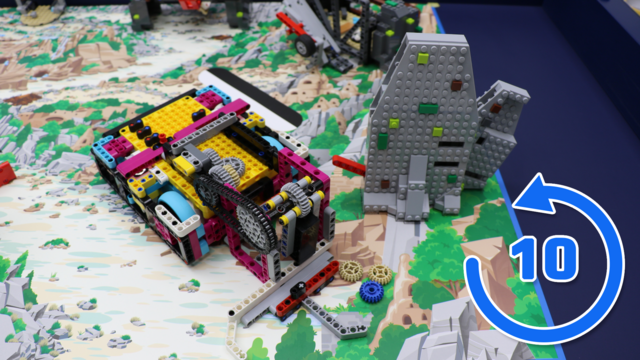
Power and consistency can go hand in hand. In this ten-run FIRST LEGO League UNEARTHED season test, the Smaller Pancake box robot and the Silo attachment tackle Mission 8, demonstrating why three well-balanced strikes produce such dependable results.
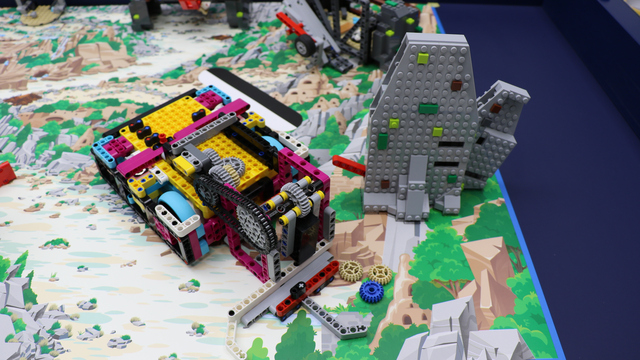
Mission 8 is solved here with momentum rather than a delicate push. During the FLL 2025-2026 UNEARTHED competition, the Smaller Pancake box robot spins a weighted Silo attachment so two weighted LEGO bricks strike the red lever and eject the preserved food.
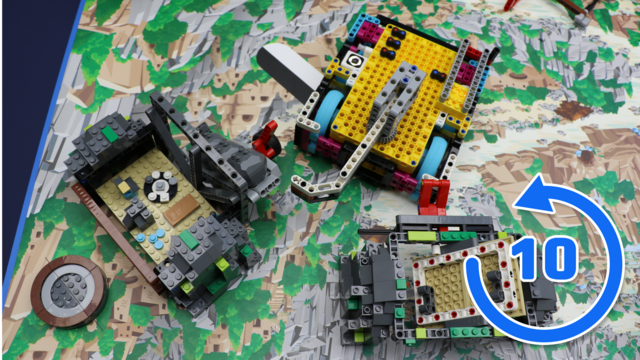
Can a run be 100% successful and still leave room for improvement? In this 10 out of 10 tutorial for the FLL UNEARTHED season, we evaluate the Smaller Pancake box robot with the shared M05-M07 attachment on Mission 5 and Mission 6.
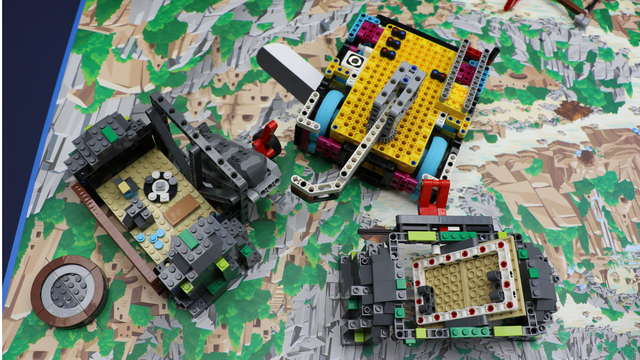
Two neighboring missions become one efficient run in this FIRST LEGO League 2025-2026 UNEARTHED competition tutorial. The Smaller Pancake box robot carries the combined M05-M07 attachment to release the ore from Mission 6: Forge, raise Mission 5: Who Lived Here, and move the blocks toward the edge for later use.
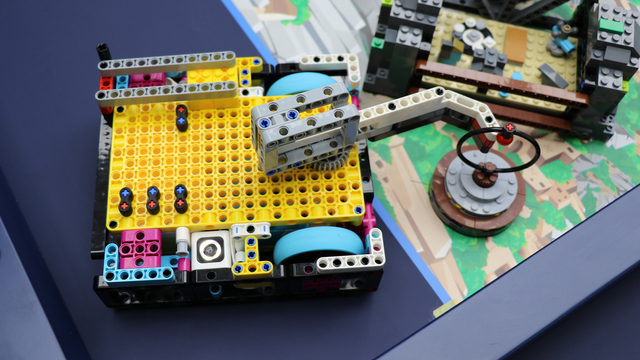
This is not the usual straight trip from base to mission model. For Mission 7: Heavy Lifting in the FLL UNEARTHED season, the Smaller Pancake box robot deliberately travels outside the mat, uses the table wall as a reference, and reaches the Millstone with an active pinless attachment.
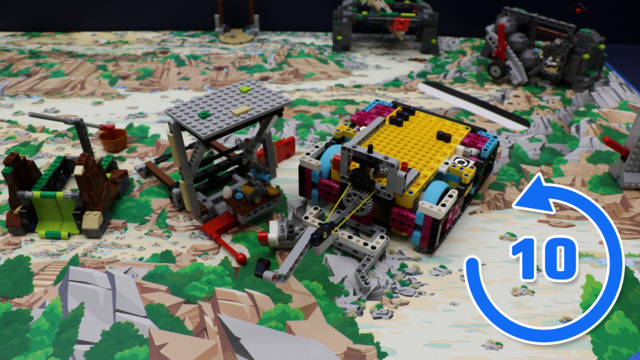
The hook can be engineered perfectly and still miss if the robot begins at the wrong angle. This ten-run analysis of Mission 9: What's on Sale in the FIRST LEGO League UNEARTHED season follows the Smaller Pancake box robot with its roof-and-market attachment.
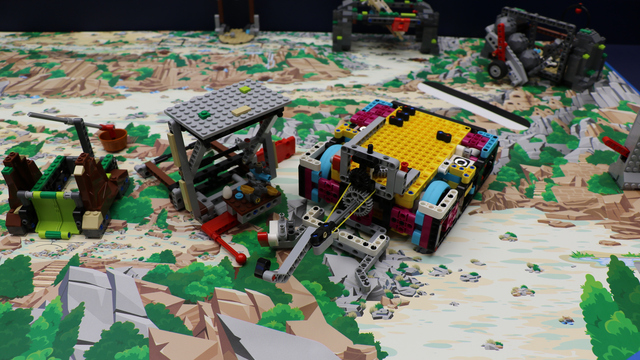
A rotating hook does most of the heavy lifting in this solution for Mission 9: What's on Sale in the FLL 2025 UNEARTHED competition. The Smaller Pancake box robot uses the gear-driven M09 attachment to raise the roof, release it cleanly, and lift the market wares during the same return movement.
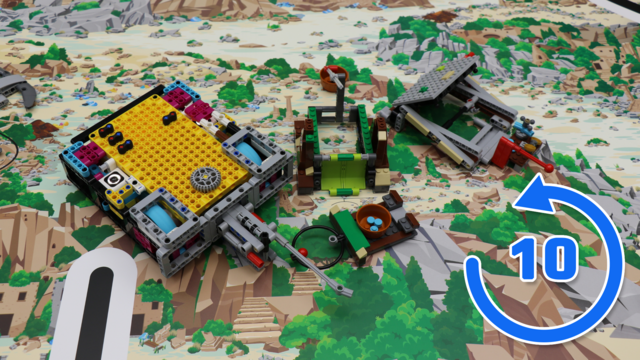
Fast runs are only valuable when they survive repetition. This 10 out of 10 tutorial tests the Smaller Pancake box robot and the Tip the Scales attachment on Mission 10 in the FIRST LEGO League 2025-2026 UNEARTHED competition.
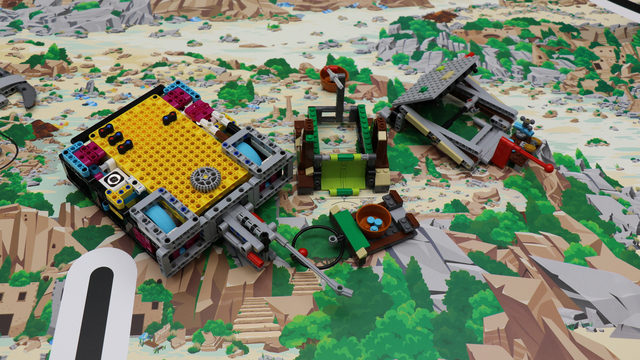
Rather than forcing the scale down, this solution lets gravity finish the job. In Mission 10: Tip the Scales from the FLL UNEARTHED season, the Smaller Pancake box robot uses a passive pinless attachment to lift the green cover just enough for the scale to tip, then catches the pan as it reverses.
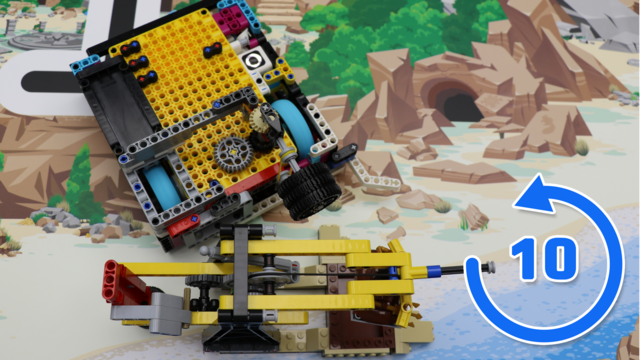
Small variations in the approach do not always have to change the score. In this 10 out of 10 test from the FLL 2025-2026 UNEARTHED competition, the Smaller Pancake box robot repeats Mission 11: Angler Artifacts with the same geared attachment ten times.
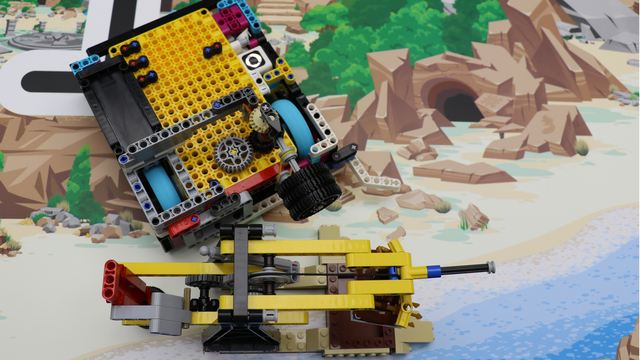
For Mission 11: Angler Artifacts in the FIRST LEGO League 2025-2026 UNEARTHED competition, the Smaller Pancake box robot does not simply drive into the model. With the geared Angler Artifacts attachment, it pivots into position, meshes with the mission gears, and raises both the flag and the artifact before heading toward the right base.
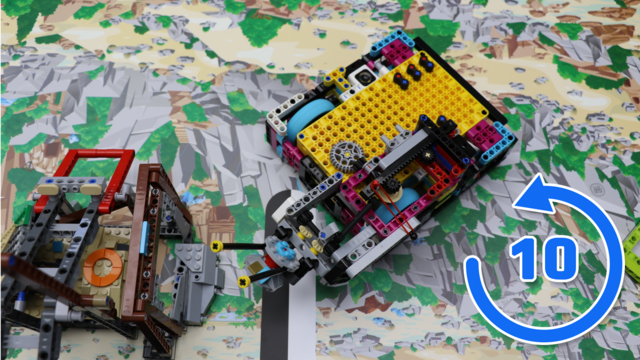
Retrieving the artifact once is satisfying; doing it ten times without touching the supports is the real test. This FIRST LEGO League UNEARTHED season video puts the Smaller Pancake box robot and the Careful Recovery attachment through ten runs of Mission 04.
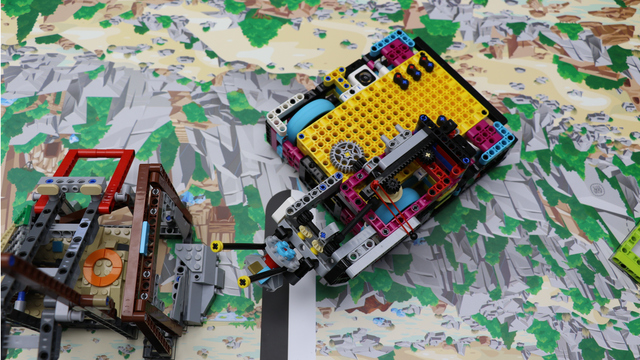
Mission 04 leaves almost no room for a careless approach. In this tutorial for the FLL 2025 UNEARTHED competition, the Smaller Pancake box robot works with the Careful Recovery attachment to enter the mine, close around the artifact, and lift it clear of the fragile supports.
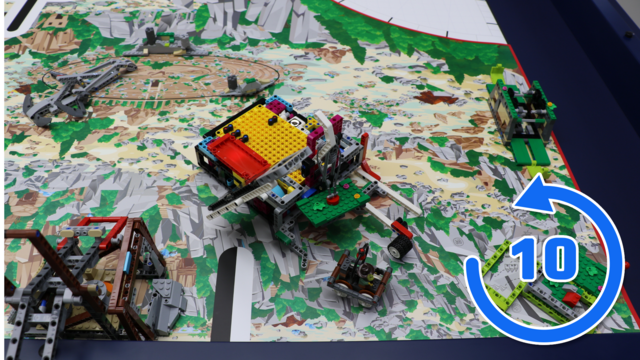
Can a motor-free mechanism repeat a multi-mission run without adjustments? This 10 out of 10 tutorial follows the Smaller Pancake box robot and the Map Reveal and Mineshaft Explorer attachment through M02 and M03 in the FIRST LEGO League 2025-2026 UNEARTHED competition.
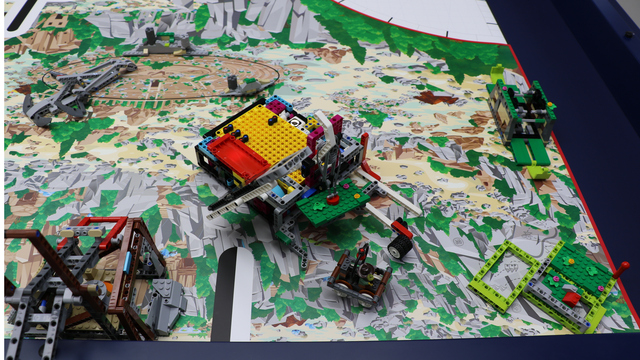
One attachment, two mission models, and a lot happening in only a few seconds. During the FLL UNEARTHED season, the Smaller Pancake box robot uses the M02 and M03 attachment to reveal the map, secure the third topsoil section, and send the minecart to the opposing team's field.
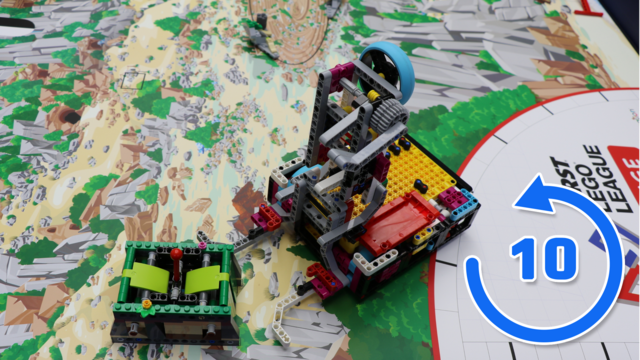
Ten consecutive attempts reveal far more than a single polished run. In this FLL 2025-2026 UNEARTHED competition reliability test, the Smaller Pancake box robot and the Surface Brushing attachment take on Mission 01.
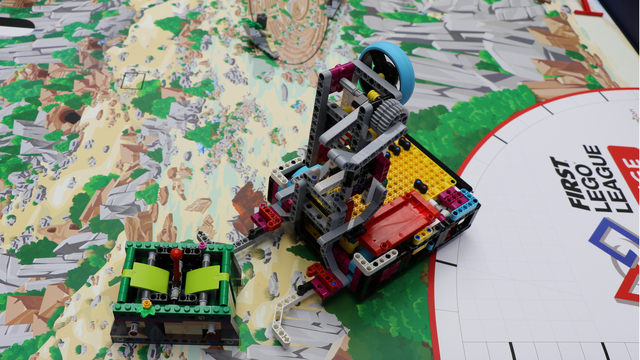
Four jobs are packed into one compact run for Mission 01: Surface Brushing in the FIRST LEGO League 2025-2026 UNEARTHED competition. The Smaller Pancake box robot uses the Surface Brushing attachment to settle against the model, clear both soil deposits, capture the brush, and return to base.
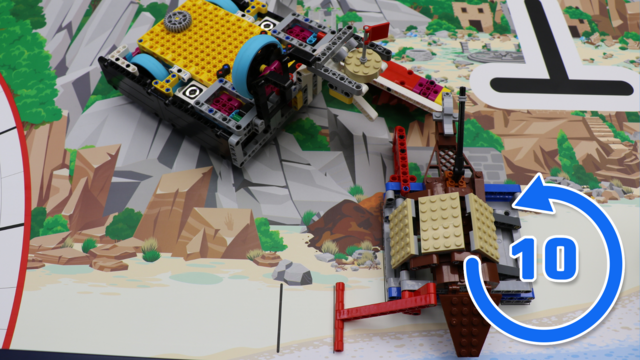
Discover why this solution achieves a perfect 10 out of 10 successful runs in the FIRST LEGO League 2025-2026 UNEARTHED competition. Using the Smaller Pancake box robot together with this passive attachment, we analyze the design choices that make the completion of Mission 15: Site Marking and Mission 12: Salvage Operation remarkably consistent.