Before we can run Python programs on the robot, we need to open the SPIKE software, create a Python project, and connect the Hub to the computer. In this tutorial, you will learn how to do each of these steps using the LEGO SPIKE software.
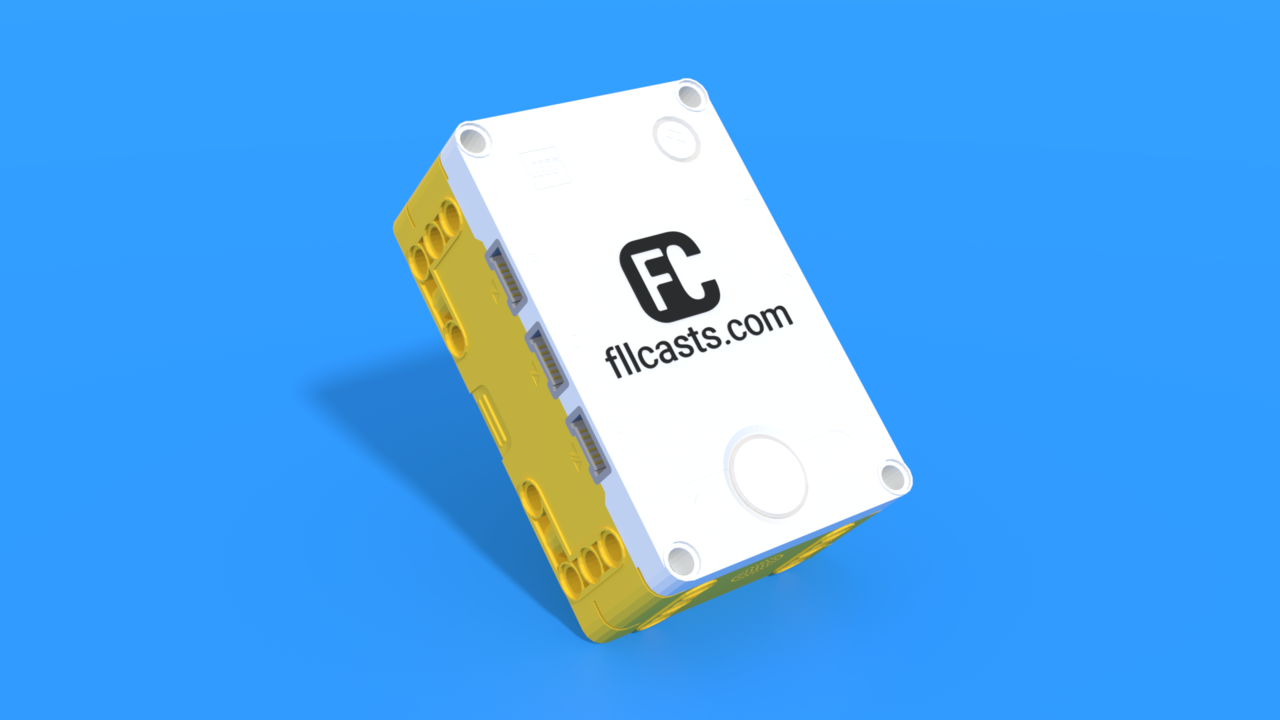
Необходимо е да се абонирате за FLLCasts.com, за да достъпите това видео
- #2580
- 27 Jan 2026
Starting the SPIKE software and creating a Python project
To begin programming your robot, you first need to open the LEGO SPIKE software and create a new Python project.
- Open the LEGO SPIKE application on your computer.
- Select the set you are using (SPIKE Prime).
- Click New Project.
- Choose Python as the programming language.
- Enter a name for your project.
- Click Create.
- A new project will open with a coding area where you can write your program.
- You are now ready to connect your robot and run Python code.
Connecting to the Hub
To send a program to your robot, the SPIKE Hub must be turned on and connected to the computer.
You can connect the Hub using a USB cable or Bluetooth. For a more stable connection, especially at the beginning, it is best to use a USB cable.
- Turn on the SPIKE Hub by pressing the center button.
- Connect the Hub to your computer using a USB cable (or make sure Bluetooth is on if using wireless connection).
- In the SPIKE software, find the Connect button at the top of the screen.
- Click Connect and choose the color of your Hub’s button.
- Wait for your Hub’s name to appear and select it.
- When connected, you will see the Hub icon showing that the robot is ready.
- Write your Python program in the project.
- Click the Play / Run button to send the program to the Hub.
- Your program will start running on the robot.
If the program does not start, check that the Hub is connected and that there are no errors in your code.
Renaming the Hub
Renaming your Hub helps you recognize it easily, especially when working with multiple robots.
- Make sure the Hub is turned on and connected.
- Open the Hub settings by clicking the Hub Connect icon.
- Find the option to Rename the Hub.
- Enter a new name (for example, your team name or robot name).
- Confirm the change.
- The new name will appear in the SPIKE software.
You now know how to start the SPIKE software, create a Python project, connect the Hub, upload programs, and rename the Hub. You are ready to begin programming and testing your robot!
Курсове и занятия включващи този Урок
Този Урок е използван в следните курсове и занятия.
Level A: Python Foundations – Robotics with LEGO SPIKE Prime
This is the first level of the LEGO Robotics Curriculum with Python, designed for students in grades 2, 3, and 4.
In this robot adventure, students learn to control robots using real Python code, while teachers guide them through their first steps in text-based programming. Throughout the level, students build a variety of LEGO SPIKE Prime robot models and program them to move, turn, and complete tasks with increasing precision.
Step by step, students learn how to read, understand, and write their own Python programs. Through fun and creative challenges, they bring their robots to life and discover how code can control movement, solve problems, and interact with the world. Along the way, they explore concepts such as navigation, obstacle avoidance, and sensor-based behavior.
The curriculum is designed to help teachers introduce programming in an engaging and approachable way while giving students plenty of opportunities to experiment, test ideas, and develop confidence in their coding skills.
By the end of the level, students apply everything they have learned in an exciting robotics competition. Using their own programs and robot designs, they complete missions on a competition field with boxes, putting their coding, engineering, and problem-solving skills to the test.
- 46
- 4:32
- 78

Lesson 1 - Beverage Assistant
Introduction
Many students start learning robotics because robots can do amazing things. They can move, react, and even help people with everyday tasks. From small robots working together to larger robots that assist humans, robotics helps turn creative ideas into real, working machines.
You will learn how to design, build, and program your own robots using LEGO SPIKE Prime and Python. To create more advanced robots later, we begin with simple ones. Simple doesn’t mean boring - many real robots today started as basic designs and still do very important work.
Step by step, you will learn how to read and write Python programs and use them to control your robot. You will complete fun challenges, like making a robot that can deliver an item - just like a robot server that brings food and returns to its starting point.
These are your first steps into the world of robotics and programming. With each lesson, you will build more advanced robots and discover how code can make machines move, think, and solve problems in exciting ways.

- 9
- 4
- 9
- 3d_rotation 1