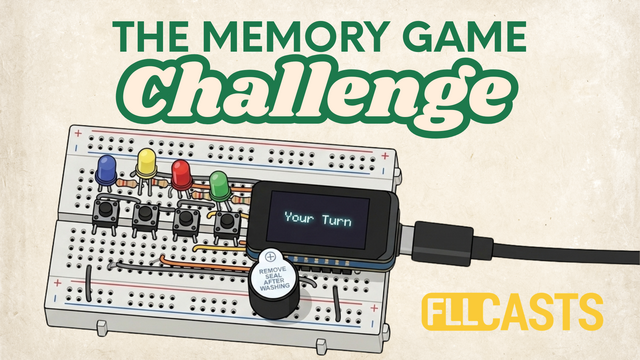
In the previous lesson, you assembled the electronic circuit for your memory game. Now it's time to bring it to life!
In this lesson, you'll learn how to upload a ready-made program to your ESP32 controller so your memory game can start working. You won't need to write any code.
You'll follow these steps:
Download the program: Get the ready-to-use code for your memory game.
Install Arduino IDE: Set up the software used to upload programs to electronic controllers.
Configure the controller: Select the correct ESP32 board type in Arduino IDE.
Connect the ESP32: Connect your controller to your computer using a USB cable.
Upload the program: Transfer the program to your ESP32 and get the game running.
By the end of this lesson, you'll have a fully working memory game that you can test and play.