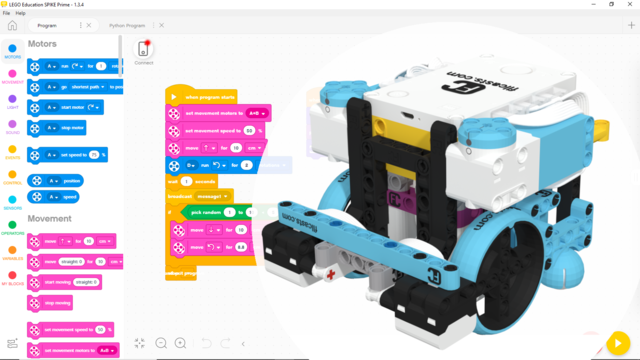
Accelerate and Decelerate with LEGO Education SPIKE Prime
In this video tutorial we look at Acceleration and Deceleration with a LEGO Education SPIKE Prime robot. The goal of the tutorial is to demonstrate the accuracy of the robot when we us default acceleration and slow acceleration.
How to use the tutorial?
Download the program and start it. See how the robot behaves for your robot and how consistent it is.
The video tutorial was shot on a previous version of the software. To find the acceleration block in the current version, see the tutorial below!
Scratch (Word Blocks) program for acceleration and deceleration with LEGO Education SPIKE Prime - LSAv3.5.1.llsp3
In this program we demonstrate the difference between moving the robot without acceleration and with acceleration. After starting the program, you can press the right button to see the robot move without acceleration, or you can press the left button to see the robot move with acceleration and deceleration. The program runs indefinitely, so you can keep testing the robot, without restarting the program. Make sure the robot has stopped moving before you press any button.
This program was intended for and tested on the Gazon robot