Scratch (Word Blocks) program to Reset motors from LEGO Education SPIKE Prime - LSAv3.5.1
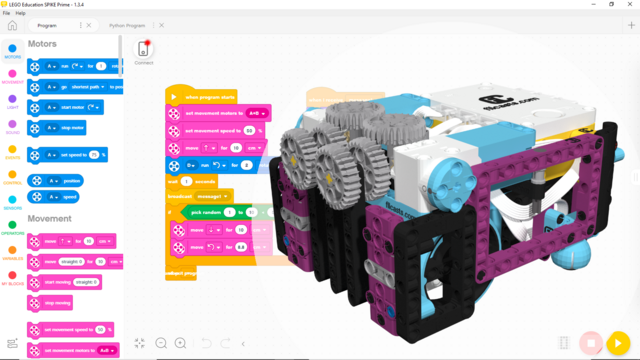
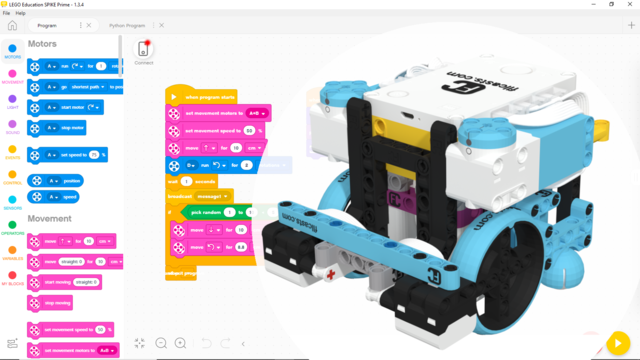
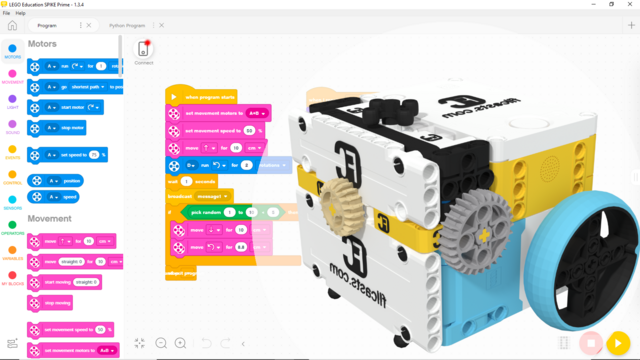
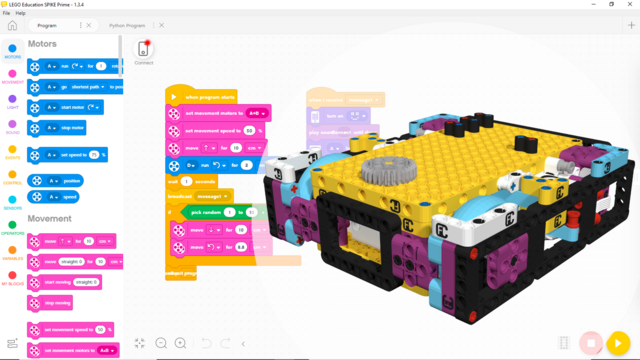
In this program, we demonstrate how to reset the motors to position 0.
This program was intended for and tested on the Gazon robot.
- #vnd1g4
- 07 Nov 2025
In this program, we demonstrate how to reset the motors to position 0.
This program was intended for and tested on the Gazon robot.
This Word Blocks program is designed for the FIRST LEGO League 2024-2025 SUBMERGED Competition using the Nautiq Robot.
This is a Scratch (Word Blocks) program made to accomplish the FIRST LEGO League 2023-2024 MASTERPIECE Competition with the MiniBox Robot.
This is a Scratch (Word Blocks) program made to accomplish the FIRST LEGO League 2023-2024 MASTERPIECE Competition with the Kufar Out-of-Box Robot. The correct run is detected with the color sensor and is started with the touch sensor.
The robot moves and turns with this program to accomplish the M07 WIND TURBINE, M08 WATCH TELEVISION missions and take the rechargeable battery where we have to Push the mission models.
The robot moves and turns with this program to accomplish the M02 Unused Capacity mission where we have to Deliver/Push a mission model
This Scratch program is for accomplishing the M01 innovation project model mission. It programs the robot to move forward and deliver the mission model to the designated place
This program was intended for and tested on the Gazon, LEGO Education SPIKE Prime competition robot with the Cargo Connect M03 Unload Cargo Plane attachment. It is meant to help the robot complete the 3rd mission of the FLL Cargo Connect competition.
This program was intended for and tested on the Gazon, LEGO Education SPIKE Prime competition robot with the Cargo Connect M05 Switch Engine attachment. It is meant to help the robot complete the 5th mission of the FLL Cargo Connect competition.
This program helps us move forward with the LEGO Education SPIKE Prime robot and the motion sensor. Moving forward and keeping a straight line is important to be able to build a consistent and reliable robot.
This program uses the Ultrasonic Sensor and the yaw angle detected by it. It aligns the robots to a border and gently pushes on a mission models.
The program uses the light and color sensor along with the motion sensor to accomplish the mission. It contains a few interesting tricks on detecting lines and configuring the behavior of the robot with specific params.
This program was intended for and tested on the Gazon, LEGO Education SPIKE Prime competition robot with the Cargo Connect M09 Train Tracks attachment. It is meant to help the robot complete the 9th mission of the FLL Cargo Connect competition.
We use motion sensor to move straight with the LEGO Education SPIKE Prime robot and to control the configurable attachment needed for the sorting mission from FIRST LEGO League 2021-2022 Cargo Connect challenge
In this program, we demonstrate how to use the built-in Gyro sensor of the SPIKE brick to program the robot to move forward. We implemented a type of duck walking forward movement. To get a smoother movement, you can try lowering the turn angles from 95.
This program was intended for and tested on the Gazon robot
In this program we demonstrate the difference between moving the robot fast and slow. After starting the program, you can press the right button to see the robot move fast, or you can press the left button to see the robot move slow. The program runs indefinitely, so you can keep testing the robot, without restarting the program. Make sure the robot has stopped moving before you press any button.
This program was intended for and tested on the Gazon robot
In this program we demonstrate the difference between moving the robot without acceleration and with acceleration. After starting the program, you can press the right button to see the robot move without acceleration, or you can press the left button to see the robot move with acceleration and deceleration. The program runs indefinitely, so you can keep testing the robot, without restarting the program. Make sure the robot has stopped moving before you press any button.
This program was intended for and tested on the Gazon robot
In this program we demonstrate how to accurately reach a mission model with basic use of Gyro Sensor from LEGO Education SPIKE Prime.
This program was intended for and tested on the Gazon robot
In this program we demonstrate how to use the built-in Gyro sensor of the SPIKE brick to program the robot to turn 90 degrees. Due to the chance of overshooting the targeted angle, the robot is programmed to stop turning if it reaches or goes above 90 degrees. Since the robot, this program was made for, is a little tilted, the angle it is programmed to turn to is changed a little to compensate for the tilt.
This program was intended for and tested on the Gazon robot