Building Instructions -
Filters:
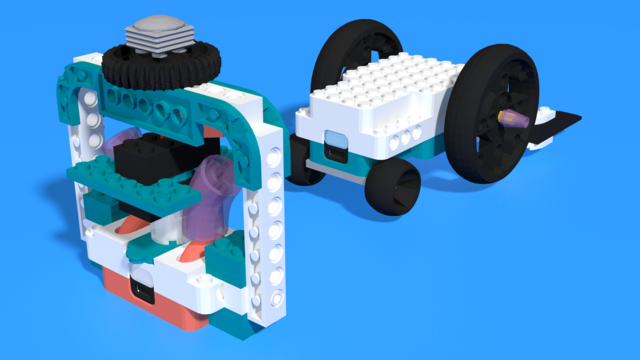
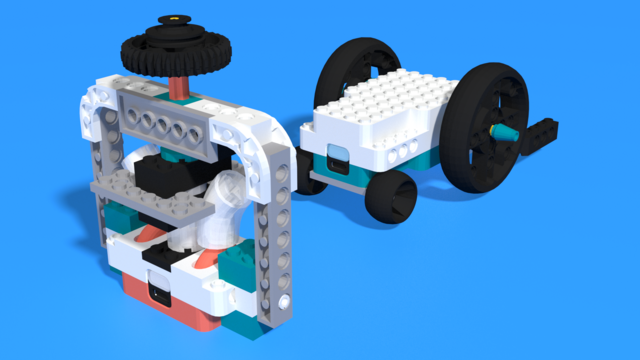
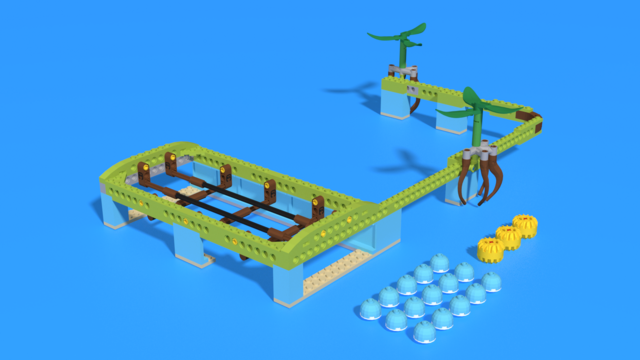
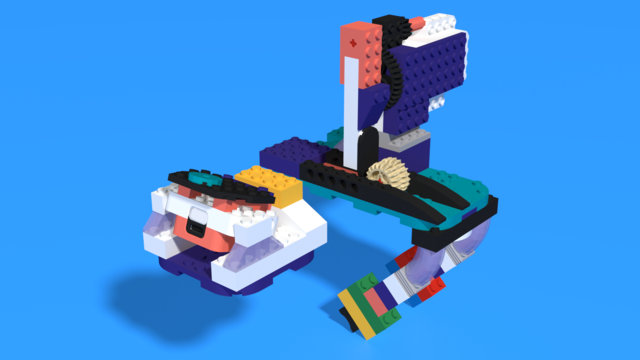
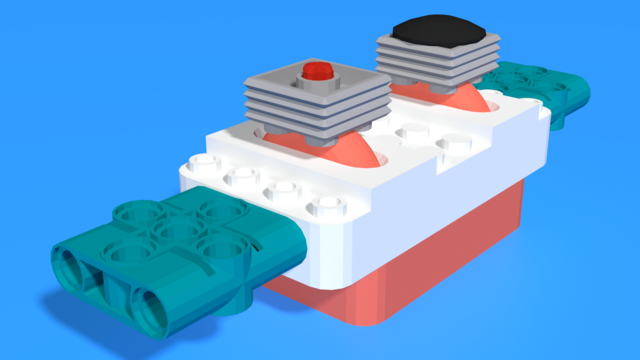
Carlos - LEGO SPIKE Prime guitar robot
Carlos, named after the famous Mexican guitarist Carlos Humberto Santana Barragán.
The robot uses the distance sensor to determine the pitch of the sound and the force sensor to play the sound. You can shred pretty good with this one!
- #3551
- 16 Sep 2025
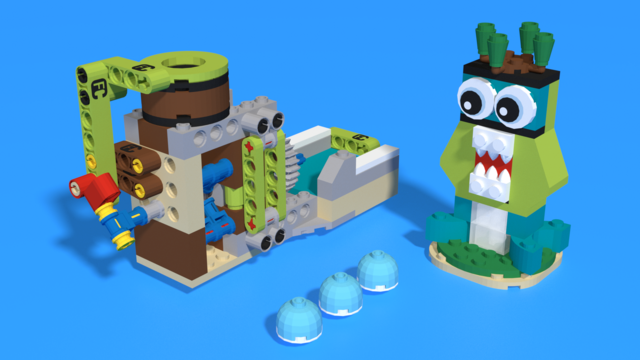
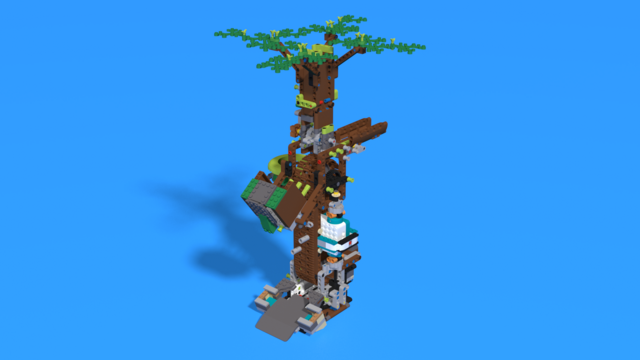
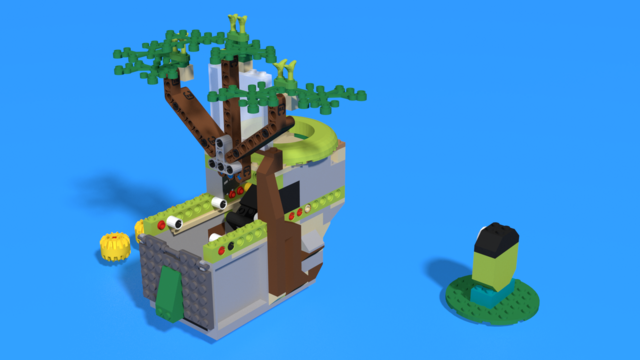
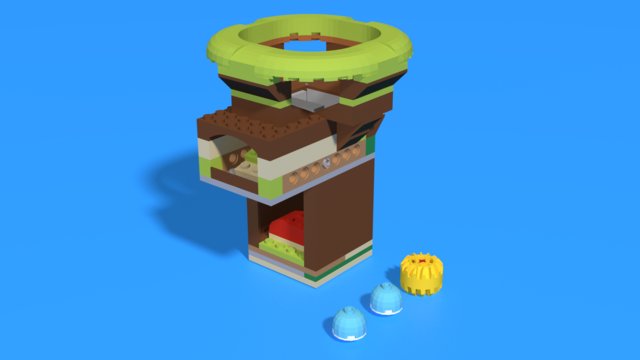
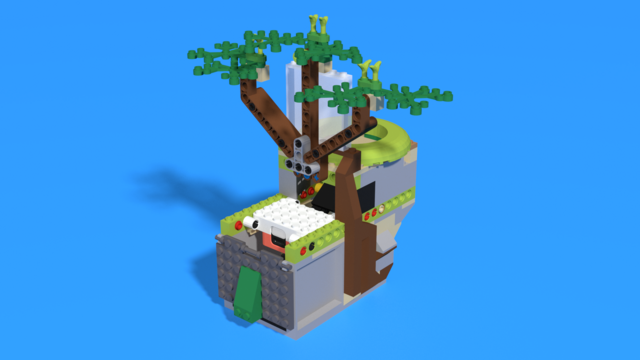
Sympho - LEGO SPIKE Prime music box robot
Sympho is named after Symphonium, the first company to manufacture music boxes.
The robot uses a color sensor to detect whether the box is closed. When you open it, the robot can play music and spin something with the motor. You can build anything you like on top!
- #3782
- 16 Sep 2025
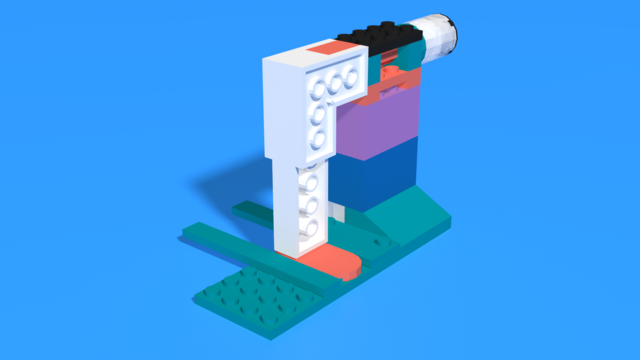
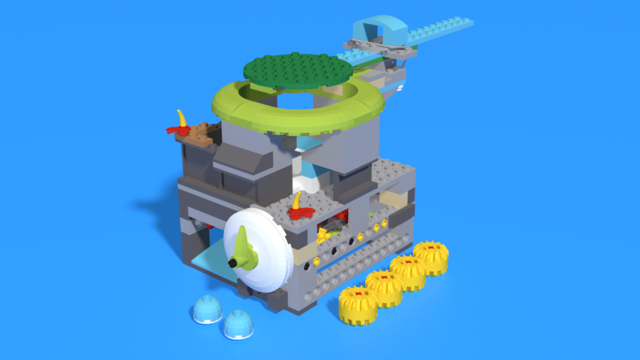
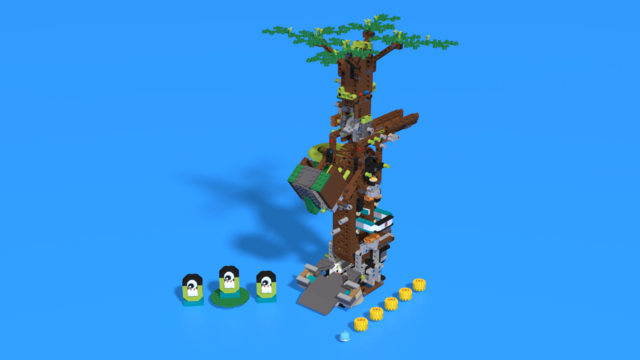
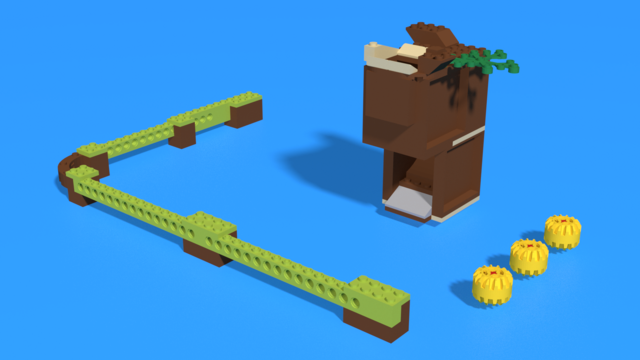
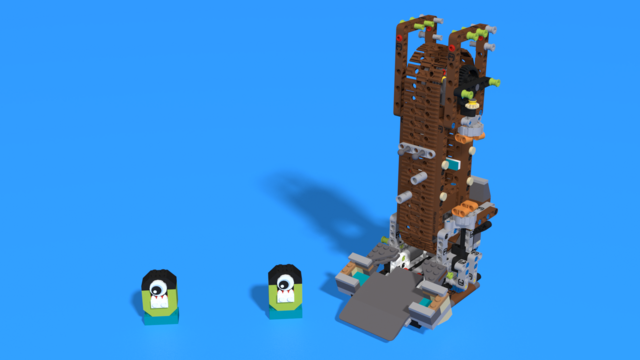
Paga - LEGO SPIKE Prime violin robot
Paga is named after the famous violinist Niccolò Paganini.
The robot is designed to resemble a violin. The faster the motor turns, the higher the pitch it produces. Let’s see if you can play a concerto on it!
- #3552
- 16 Sep 2025
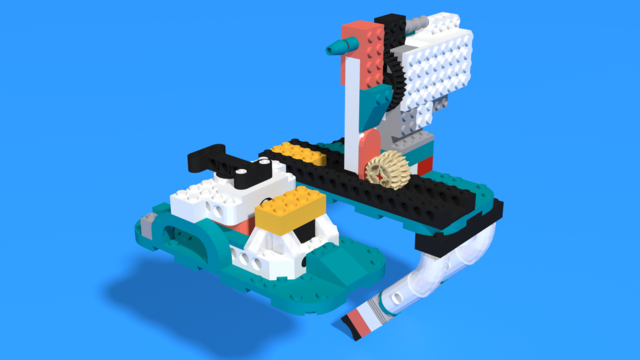
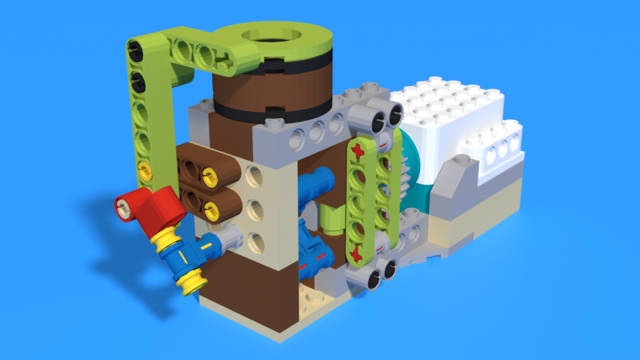
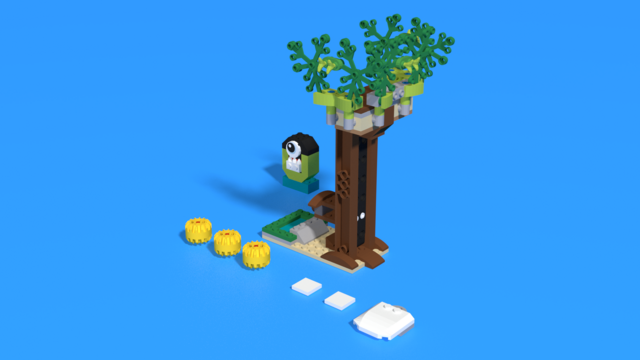
Chromagraph – LEGO SPIKE Prime Vinyl Record Player Robot
Chromagraph is a play on the original name of the record player, the "Phonograph," which comes from the Greek phono (sound), graph (writing), and chroma (color).
This robot is designed to work similarly to a record player. It has a rotating “disc” with different colored bricks that are read by the color sensor. The robot then plays a sound for each color. Can you create a melody?
- #3554
- 16 Sep 2025
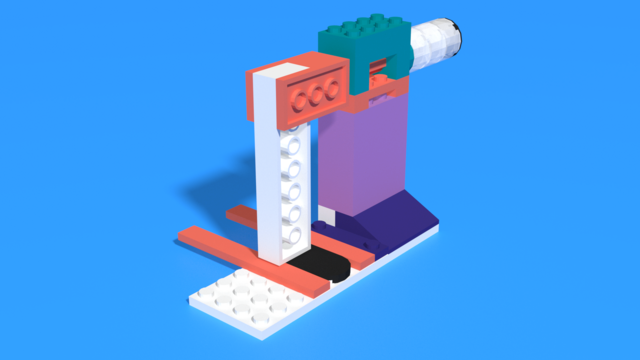
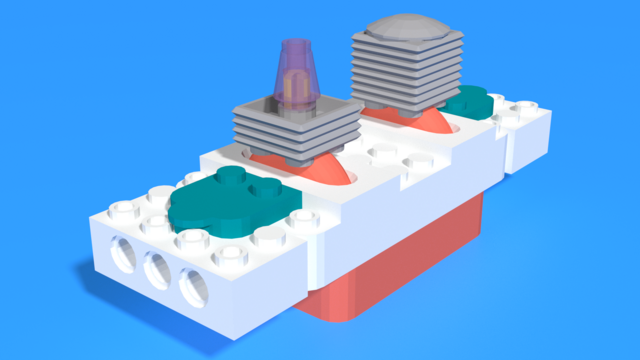
Mello - LEGO SPIKE Prime dj set robot
Mello is named after the famous DJ "Marshmello".
This robot is designed to work like half of a DJ set. It speeds up or slows down a melody based on the rotation of the motor. Can you create some cool remixes with it?
- #3553
- 16 Sep 2025
LED strip display program
Download button at the bottom.
This is a program we created for the LED strip display course.
#include <Adafruit_NeoPixel.h> #define LED_COUNT 20 #define StripPin A2 #define HallEffectSensorPin 6 #define HallEffectGNDPin 5 #define HallEffectVCCPin 4 int startSeconds = 20; int startMinutes = 10; int startHours = 1; int secondsArrow; int minutesArrow; int hoursArrow; int arrowPosition; int hallSensorPastState = LOW; int hallSensorRead; int timeForOneRotation = 1; unsigned long RPMTimer = millis(); Adafruit_NeoPixel leds = Adafruit_NeoPixel(LED_COUNT, StripPin, NEO_GRB + NEO_KHZ800); int color[3] = {255, 100, 150}; int secondsColor[3] = {255, 0, 0}; int minutesColor[3] = {0, 255, 0}; int hoursColor[3] = {0, 0, 255}; void setup(){ pinMode(HallEffectSensorPin, INPUT); pinMode(HallEffectGNDPin, OUTPUT); pinMode(HallEffectVCCPin, OUTPUT); digitalWrite(5, LOW); digitalWrite(HallEffectVCCPin, HIGH); leds.begin(); leds.setPixelColor(19, color[0], Color[1], color[2]); } void loop(){ RPMUpdate(); ClearLedsWithoutTheLastOne(); arrowPosition = StateFrom60(); secondsArrow = ((int) floor(( millis() / 1000) + startSeconds) % 60); minutesArrow = ((int) floor(( millis() / 60000) + startMinutes) % 60); hoursArrow = ((int) floor(( millis() / 3600000) + startHours) % 12) * 5; if (arrowPosition == secondsArrow){ for (int i = 0; i < LED_COUNT - 3; i ++){ leds.setPixelColor(i, secondsColor[0], secondsColor[1], secondsColor[2]); } } if (arrowPosition == minutesArrow){ for (int i = 0; i < LED_COUNT - 6; i ++){ leds.setPixelColor(i, minutesColor[0], minutesColor[1], minutesColor[2]); } } if (arrowPosition == hoursArrow){ for (int i = 0; i < LED_COUNT - 10; i ++){ leds.setPixelColor(i, hoursColor[0], hoursColor[1], hoursColor[2]); } } if (arrowPosition % 5 == 0){ leds.setPixelColor(18, color[0], color[1], color[2]); leds.setPixelColor(17, color[0], color[1], color[2]); } leds.show(); } void RPMUpdate(){ hallSensorRead = digitalRead(HallEffectSensorPin); if(hallSensorRead != hallSensorPastState){ if(hallSensorRead == HIGH){ timeForOneRotation = millis() - RPMTimer; RPMTimer = millis(); hallSensorPastState = HIGH; } else{ hallSensorPastState = LOW; } } } void ClearLedsWithoutTheLastOne(){ for(int i = 0; i < LED_COUNT - 1; i ++){leds.setPixelColor(i, 0);} } int StateFrom60(){ return (int)floor(((millis() - RPMTimer) * 60) / timeForOneRotation) % 60; }
- #3749
- 13 Sep 2025